Switches
The switch list
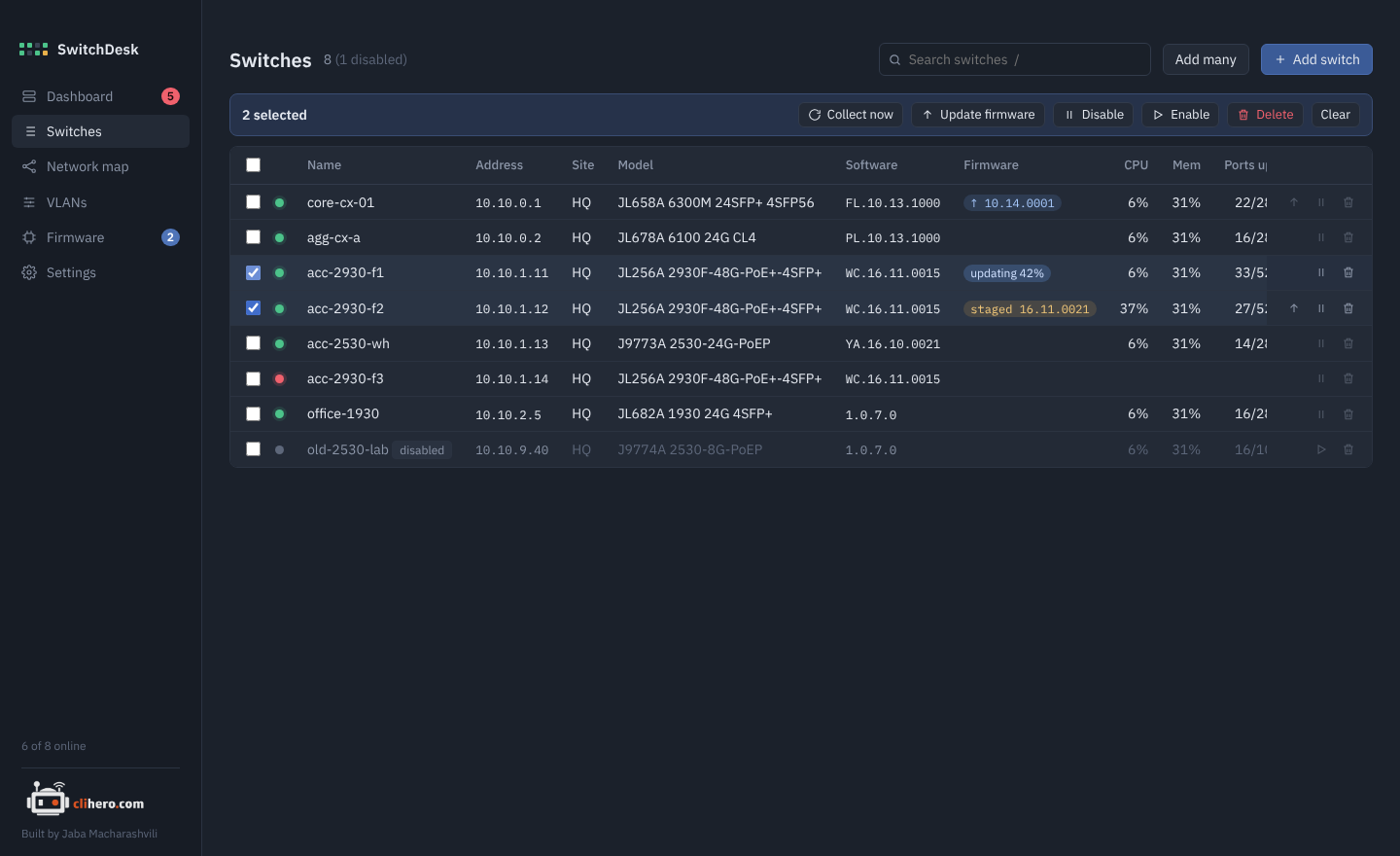
Every switch with its address, site, model, software, firmware status, CPU and memory, ports up, spanning-tree role, problem count and when it was last read.
Search matches name, address, site, model, software and serial, and also states: online, offline, disabled, problem. Words combine, so acc offline finds offline switches with "acc" in their name. Press / to jump to the box.
Select switches with the checkboxes (the header one selects everything shown). A bar appears with actions for all of them:
- Collect now reads them immediately.
- Update firmware opens the update dialog.
- Disable pauses them: no checks, no SSH, no alerts. They keep their last data and stay greyed out until you Enable them again. Handy for a switch that's being replaced or is on the bench.
- Delete removes them from SwitchDesk with their saved configs. Nothing on the switch itself changes.
The small buttons at the end of each row do the same for a single switch: update (when there's something newer), disable or enable, and delete.
The switch page
Click a switch to open it. The header shows its address, family, model, software, uptime and when it was read. Collect now, Disable and Edit are on the right.
Overview
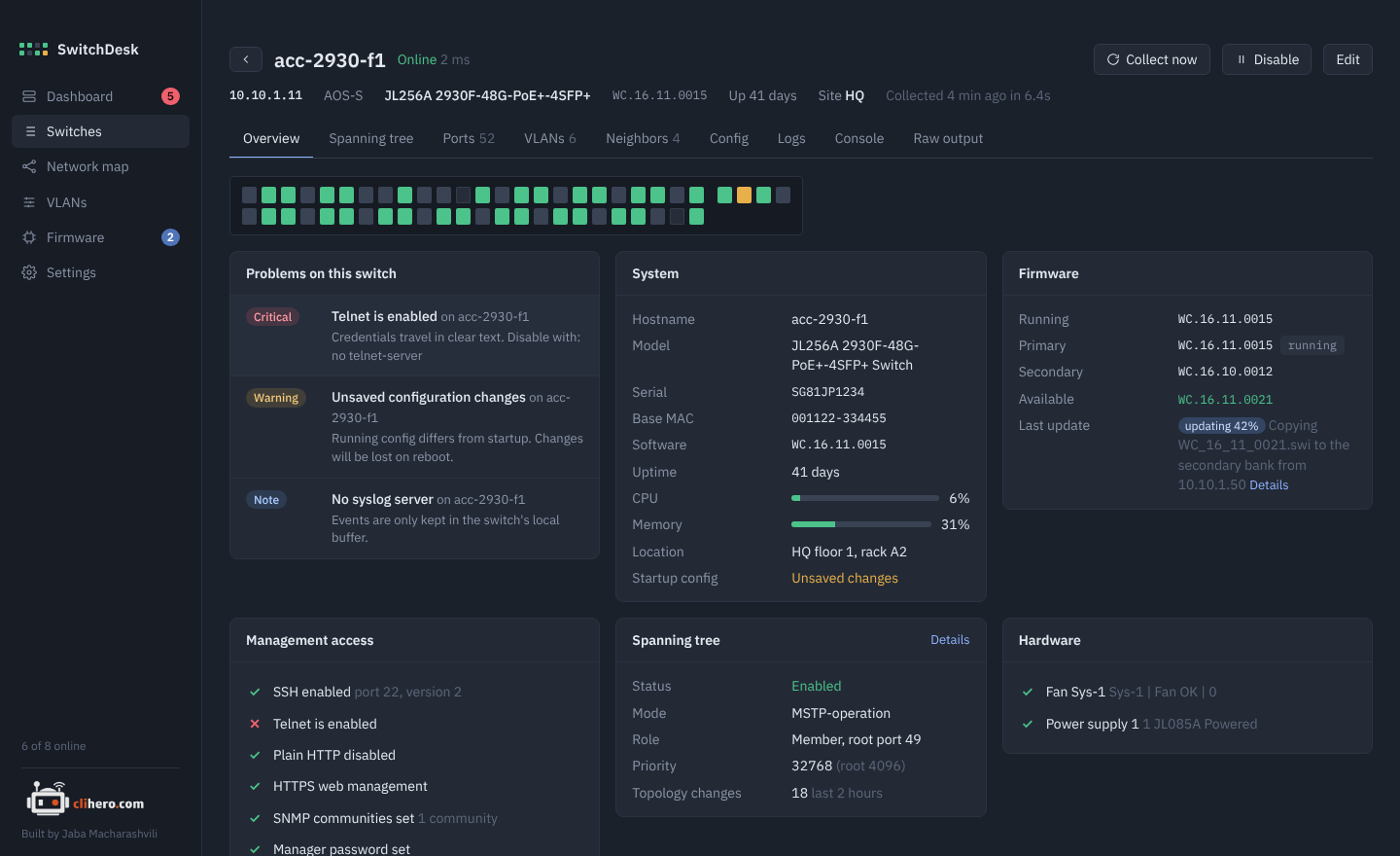
The port faceplate, this switch's problems, system facts with CPU and memory meters, the firmware banks, a checklist of management access (SSH, Telnet, HTTP/HTTPS, SNMP, manager password, time sync, syslog, RADIUS/TACACS+), spanning-tree summary and hardware status.
Spanning tree
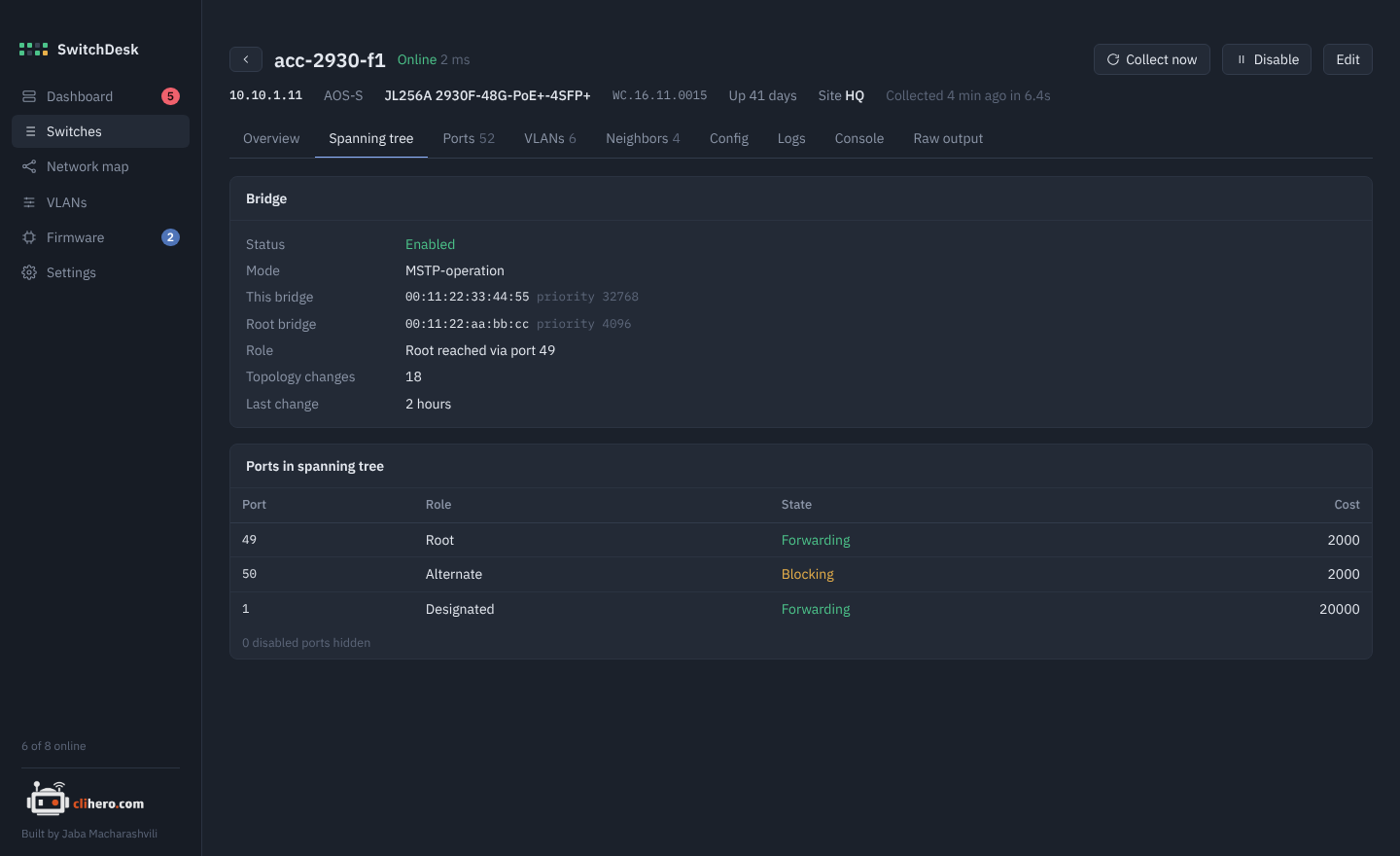
Bridge and root MAC and priority, this switch's role, topology changes, and every port's role, state and cost.
Ports
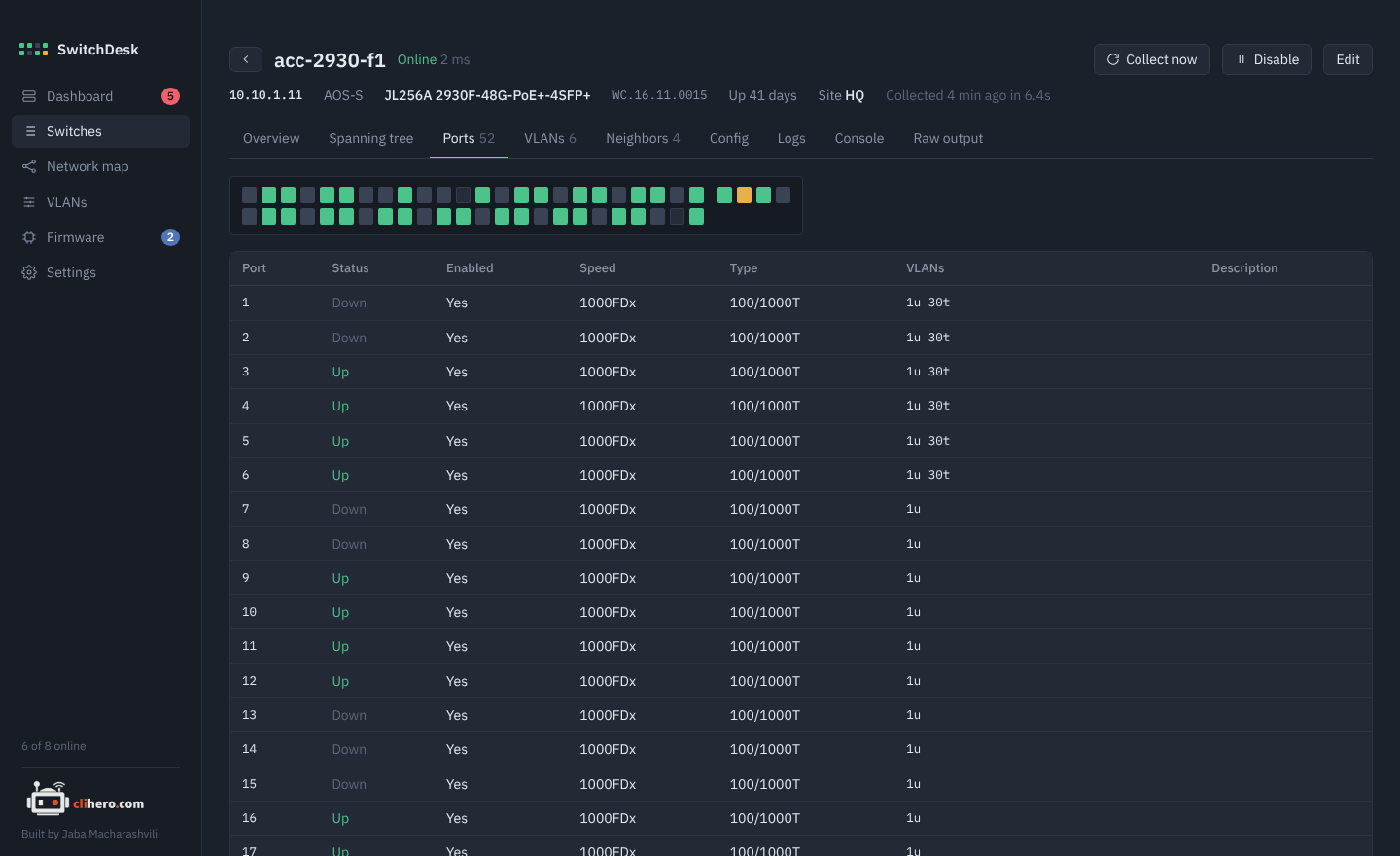
A large faceplate and a table with status, speed, type, VLAN membership (20u is untagged in VLAN 20, 30t tagged in VLAN 30) and port descriptions.
Switches with transceivers also get an Optics table: Rx and Tx power in dBm (one value per lane on QSFP), temperature, model and serial. On AOS-CX it shows the optic's own warning range and judges against it. AOS-S doesn't report those levels, so its recent optical alarms are shown instead. A port that's down with no light shows as Not connected, and DAC cables show No DOM. The readings come from show interface dom detail on AOS-CX and show interfaces transceiver detail on AOS-S.
VLANs
The switch's VLANs, with editing. See VLANs.
Neighbors
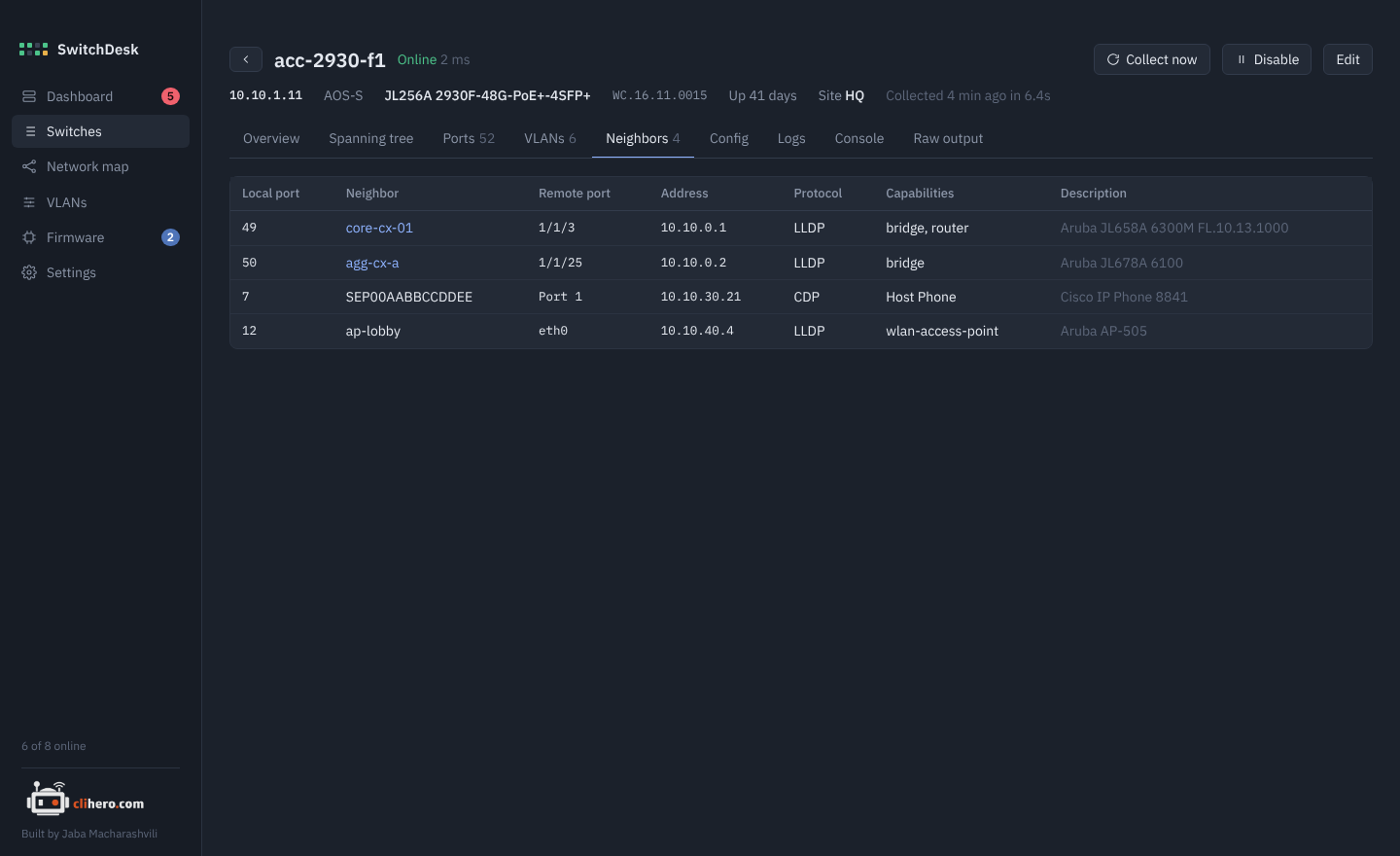
Everything LLDP and CDP see: local port, neighbor name, its port and address, capabilities and description. Neighbors that are also in SwitchDesk link to their own page.
Config
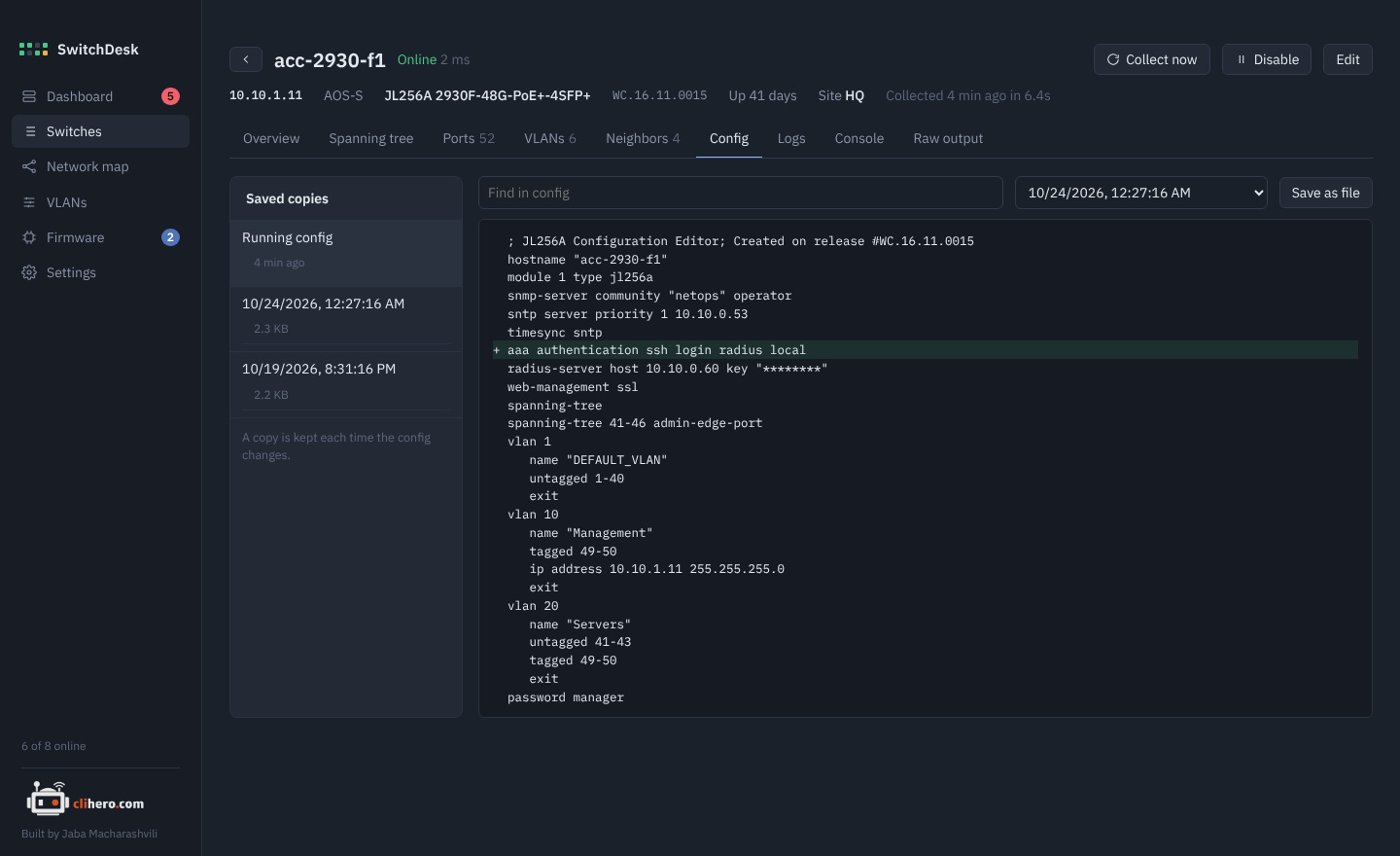
The running config, with search. On the left are saved copies: SwitchDesk keeps one every time the config changes (20 per switch by default). Pick Compare with… to see what changed between two versions, and Save as file to export one.
Logs
The recent log, with major and error events highlighted.
Console
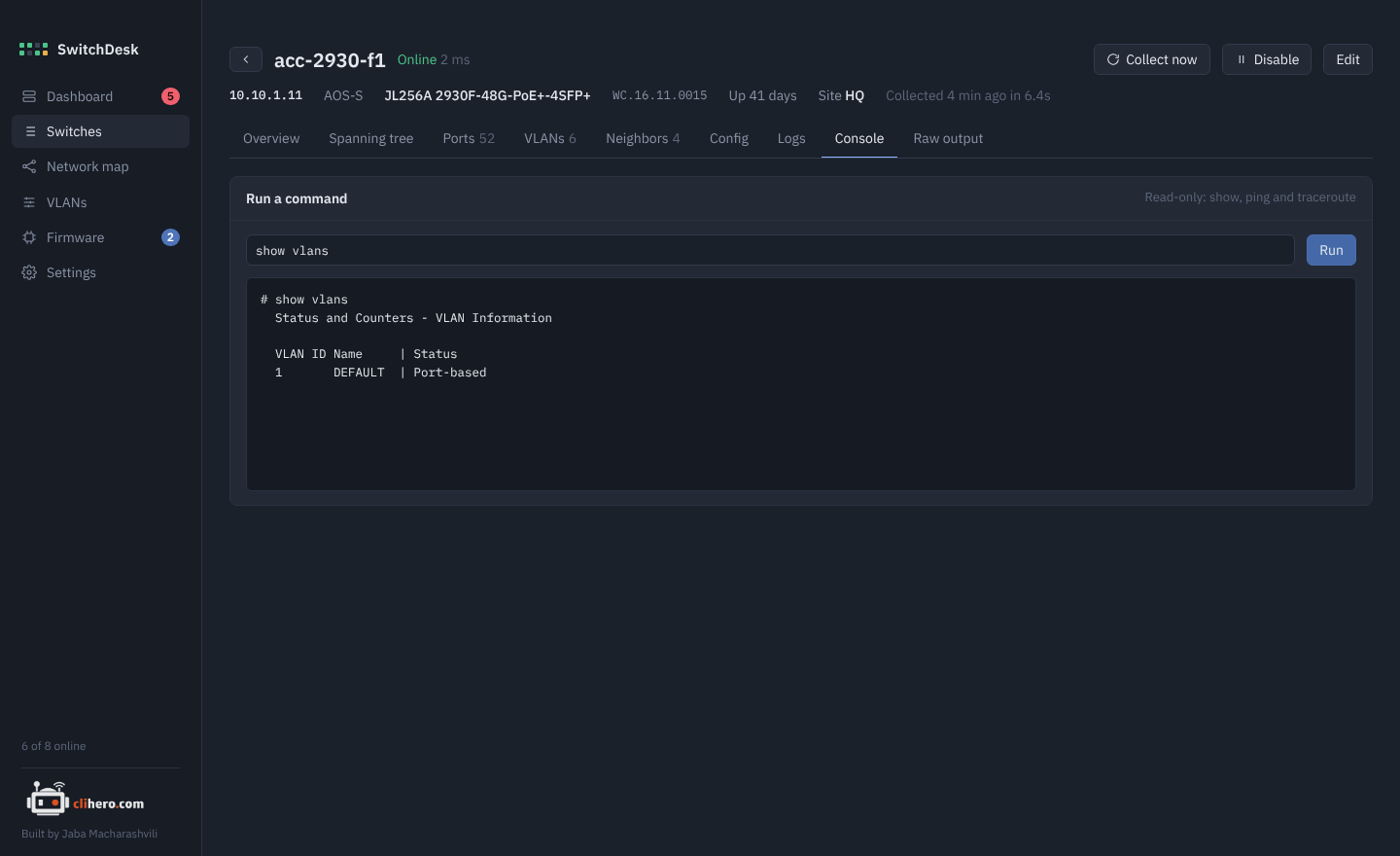
Run show, ping and traceroute commands on the switch. Anything else is refused, so the console can't change configuration. Up brings back earlier commands.
Raw output
The exact output of every command SwitchDesk ran in the last reading. If something on the other tabs looks wrong, this shows what the switch actually said.